
Computer literacy
About Course
Computer Literacy – Free Course BY{FREE CODECAMP}
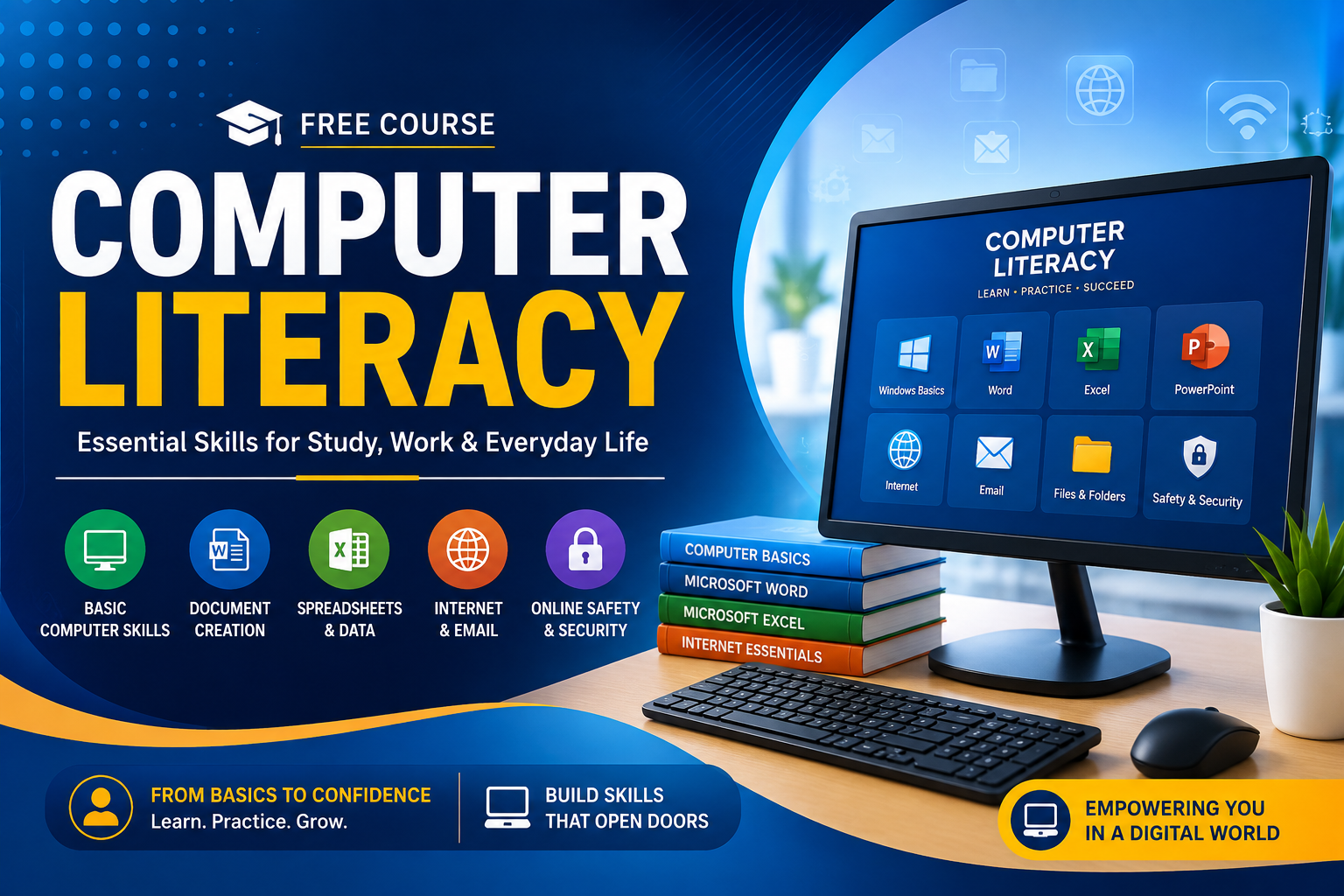
Welcome to our Computer Literacy Free Course, a beginner-friendly course designed to help you develop the essential computer skills needed for school, work, business, and everyday digital activities.
This course starts from the basics and gradually teaches you how to confidently use a computer, manage files, work with applications, browse the internet, communicate online, and stay safe in the digital world.
What You Will Learn
- Introduction to computers and how they work
- Types of computers and their uses
- Understanding computer hardware and software
- Using the keyboard and mouse
- Understanding the Windows desktop and interface
- Creating, saving, copying, moving, and deleting files
- Managing folders and organizing documents
- Installing and using basic applications
- Basic Microsoft Word skills
- Basic Microsoft Excel skills
- Basic PowerPoint skills
- Internet browsing and searching effectively
- Using email and online communication
- Downloading and uploading files
- Basic computer troubleshooting
- Online safety, privacy, and cybersecurity awareness
- Understanding common computer terms and technologies
Who Is This Course For?
This course is perfect for complete beginners, students, job seekers, business owners, adults, and anyone who wants to become more confident using computers.
No previous computer experience is required.
What You Will Gain
By the end of this course, you will be able to confidently perform everyday computer tasks, create and manage documents, use common office applications, browse the internet, communicate online, and handle basic computer problems.
🎓 Course Level: Beginner
💰 Course Fee: Free
💻 Requirement: A computer is recommended for practical exercises
📚 Prerequisite: None
Start your digital journey today and build the computer skills you need for education, employment, business, and everyday life.
Course Content
Computer Literacy
-
55:03
Student Ratings & Reviews